
Most SEO guides hand you a list of 47 things to do and call it a plan. That is not a plan – that is a panic attack in bullet points.
A real roadmap tells you what to do first, what to do next, and what to leave alone until you have built a proper foundation. Ninety days. Three clear phases. One post you can actually follow.
Why 90 Days?
I did not pick ninety days because it sounded tidy. Every client roadmap I have run that crammed technical and content work into thirty days produced messy, half-fixed sites – and every one that waited six months lost momentum before month four. Ninety is the number that actually survives contact with a real website.
SEO does not produce overnight results. Google needs time to crawl your changes, index your content, and assess how users interact with it. Thirty days is too short to judge anything. Six months is too long to stay motivated without checkpoints. Ninety days hits the right balance — and it mirrors how Google itself processes change: in waves, not instantly.
Month 1: fix what is broken. Indexing, speed, mobile – the plumbing nobody sees until it leaks.
Month 2: make your pages worth ranking. Titles, metas, content, keyword intent.
Month 3: build authority and start measuring like you mean it. Backlinks, GSC, GA4.
Skip a phase and the next one has nothing to stand on. That is the whole plan.
Before You Start: Two Things to Set Up
Google Search Console – Shows you which pages Google has indexed, what search terms people use to find you, and any technical errors on your site. Go to search.google.com/search-console and add your property. Takes about 10 minutes.
Google Analytics 4 – Tells you who is visiting, what they are reading, and whether they are converting. Connect it via Google Tag Manager for cleaner tracking from day one. Once both are live, give them a week to collect baseline data before you start making changes.
Your Day-1 Numbers (Write Them Down Now)
Before you touch a single page, capture where you actually stand. In Search Console: how many pages are indexed, and how many are stuck in “Excluded.” In Analytics: engagement rate and organic sessions for the last 30 days. In PageSpeed Insights: your current LCP, CLS, and INP. And your backlinks count from the Links report, if nothing else.
Don’t have time to pull all of that by hand? Run the free SEO audit tool – it gives you most of this in about two minutes, and it is exactly the baseline you’ll compare against on day 90.
Month 1: Fix the Foundation (Technical SEO)
The most common mistake beginners make is jumping straight into writing content while their site has indexing problems, slow load times, or broken pages. Google cannot rank what it cannot properly read – and no amount of great writing fixes a crawlability issue.
Week 1 and 2: Indexing and crawlability
Open Google Search Console and go to the Coverage report. Look for pages marked Excluded or Error. The most common issues: pages blocked by robots.txt, pages marked noindex by accident, or pages never submitted in a sitemap. Check that your sitemap exists at yourdomain.com/sitemap.xml and submit it in GSC. On WordPress, Yoast SEO or Rank Math generates this automatically.
Week 3: Speed and mobile
Run your homepage through Google PageSpeed Insights at pagespeed.web.dev. Pay attention to the three Core Web Vitals: LCP (how fast your main content loads), CLS (whether elements jump around as the page loads), and INP (how responsive your page feels when someone clicks). On mobile, check that text is readable without zooming and buttons are large enough to tap.
Week 4: Fix what you found

Prioritize: indexing errors first, then speed, then mobile. Document what you fixed and when – you will thank yourself in month three when you are looking at the data and trying to understand what caused which change.
Month 2: On-Page SEO and Content
With a clean technical foundation, month two is about making your existing pages work harder – and starting to build new content with purpose rather than just publishing and hoping.
Week 5 and 6: Optimize your existing pages
Open GSC and go to the Performance report. Sort by Impressions, highest first. For each of your top 10 pages, check four things: the page title (does it include the main keyword and stay under 60 characters?), the meta description (does it give someone a clear reason to click?), the H1 heading (one per page, matching search intent), and image alt text (every image needs a descriptive label).
One more thing for 2026: search results are not just ten blue links anymore. AI Overviews and answer engines pull directly from pages that answer a question in the first 50 words, in plain language, before any story or setup. When you optimize your top 10 pages this week, add a two-to-three sentence direct answer right under the H1. It costs you nothing, and it is increasingly how you get cited – even on the searches where you don’t get the click.
Week 7 and 8: Keyword research and content planning
Before writing a single new post, understand what your audience is actually searching for. Target long-tail keywords – 3 to 5 words, specific phrases. SEO for freelance copywriters is easier to rank for than SEO tips, and the people searching it are more likely to be exactly who you want to reach.
Group keywords by intent: informational (they want to learn), navigational (they are looking for a specific site), or transactional (they are ready to buy). Each intent type needs a different kind of page. Use the free SEO audit tool to check how your existing pages perform before planning new ones.

Month 3: Off-Page SEO and Measuring Progress
Week 9 and 10: Building authority
Backlinks remain one of Google strongest ranking signals. Quality matters far more than quantity. One link from a relevant trusted site does more than fifty from random directories. Focus on Google Business Profile, contributing to communities in your niche, and reaching out to anyone who mentions your brand without linking to you. Do not buy links.
Week 11 and 12: Review, measure, and adjust
Open GSC and compare your Performance data from week one to now. Look for pages where impressions have grown, clicks improved, and average position moved up. In GA4, look at engagement rate and which content leads to conversions. Write down what you found. SEO improves through iteration, not just more activity.
90-Day Roadmap at a Glance
What to Watch, Month by Month
The table above tells you what to focus on. This one tells you what number should be moving while you do it — so you know if the work is actually working.
| Month | Watch This | Good Sign |
|---|---|---|
| Month 1 | Indexed pages, Core Web Vitals (LCP, CLS, INP) | Excluded pages dropping, all three CWV metrics moving toward “Good” |
| Month 2 | Impressions, average position (GSC) | Both trending up for your target pages, even before clicks catch up |
| Month 3 | Clicks, referring domains, engagement rate | First page-one rankings, new backlinks, engagement rate climbing in GA4 |
You probably will not be on page one by day 90. That is normal. Watch impressions, average position, and engagement rate. Rankings follow when those are moving in the right direction.
Frequently Asked Questions
How long does SEO take to show results?
What should a beginner do first in SEO?
Can I do SEO myself without an agency?
What free tools do I need for a 90-day SEO plan?
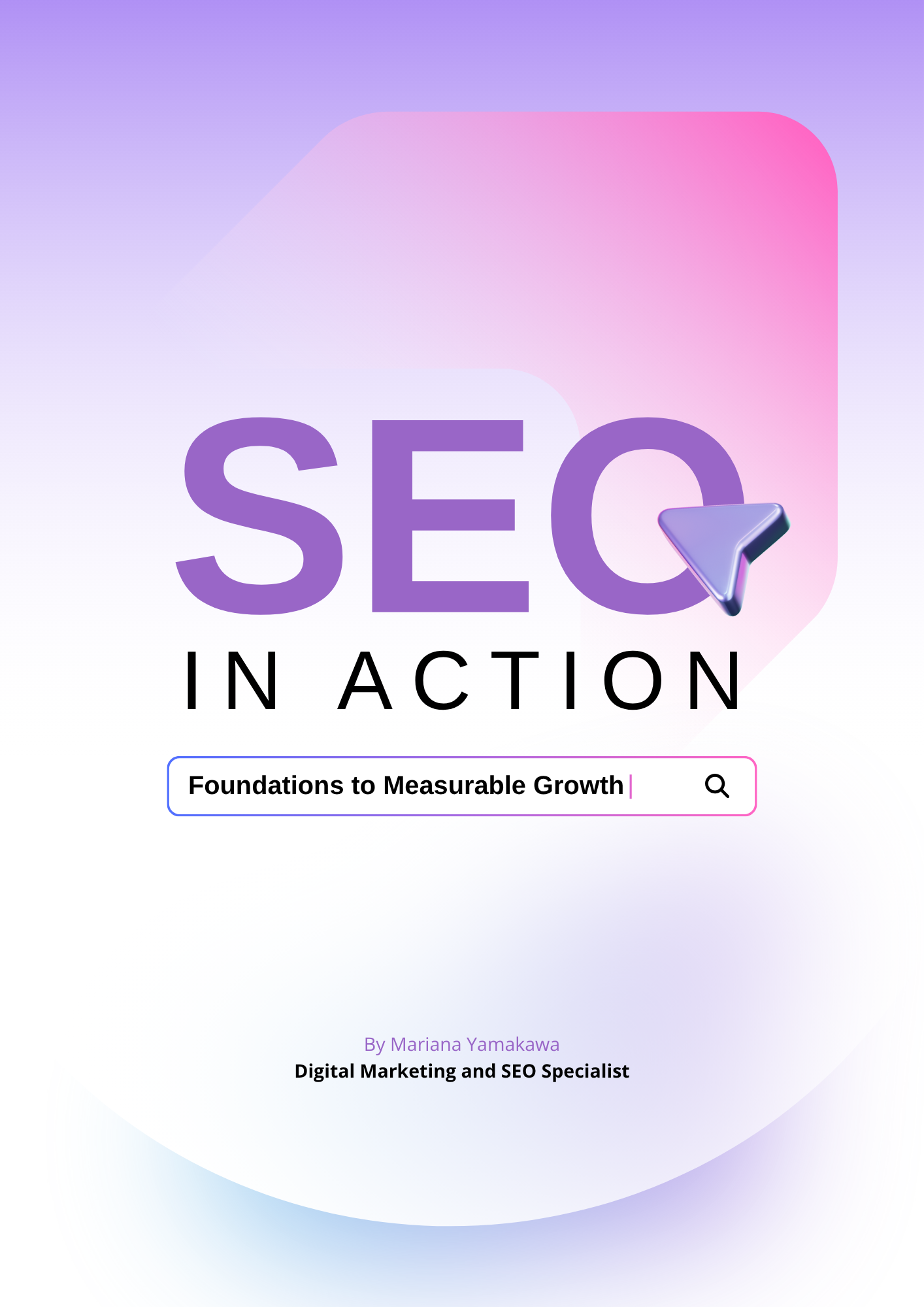
Want the full framework, not just the overview?
SEO in Action takes you through every pillar with step-by-step checklists, real screenshots, and the frameworks that actually move rankings.