
By Mariana Yamakawa – Digital Marketing and SEO Specialist
Few things are more frustrating than spending time building a website, publishing content, trying to do everything right, and still seeing little to no visibility in search results.
This is one of the most common questions I get asked, and for good reason. Getting a website to rank involves several moving parts working together. When one of them is weak or overlooked, the whole process slows down – or stalls completely.
The good news? In most cases, the problem is not a single major mistake. It is usually a combination of smaller issues affecting how search engines crawl, understand, and trust your pages. And those are fixable.
Before you rewrite everything or overhaul your strategy, let’s go back to basics and check what is actually going on.
Want a shortcut? Audit why your website is not ranking with ActionSEO before working through the steps below.
Step 1: Are Your Pages Actually Indexed?
This sounds obvious, but it is the first thing worth checking, and it is often the culprit.
A page that is not indexed simply cannot appear in search results. Many website owners assume their pages are live and visible to Google just because they are published. But publication and indexing are two very different things.
A quick way to check is using the site operator directly in Google:
site:yourdomain.com
This gives you an overview of what Google currently knows about your website. For a more detailed look, Google Search Console is your go-to. The Coverage and Indexing reports will tell you exactly which pages are being excluded, delayed, or blocked — and why.
Some of the most common culprits include:
- A noindex tag accidentally applied to pages you want indexed
- robots.txt rules that are blocking search engine bots
- Canonical tags pointing to a different URL, telling Google to ignore the page
These are all technical settings that can quietly block your visibility without any obvious sign on the page itself. My SEO Checklist walks through each of these in detail if you want a structured way to review them. For the fundamentals, see technical SEO for beginners.
Step 2: Does Your Content Match What People Are Actually Searching For?
A page can be technically perfect and still struggle — because it does not align with what users are actually looking for. This is where search intent becomes critical.

Search intent is the reason behind a query. Someone searching for “how to improve website speed” is not looking for a general overview of the topic. They want clear, practical steps. If your page gives a high-level introduction without solving the actual problem, Google will likely prefer a page that goes deeper and helps the reader more.
The easiest way to assess your own content is to look at what is already ranking for your target keyword. Pay close attention to:
- The format (is it a guide, a list, a video?)
- The depth (how specific does the content get?)
- The angle (what angle is Google rewarding for this query?)
Then ask yourself honestly:
- Does my content clearly answer the main question?
- Is it as useful and complete as the pages currently ranking?
- Does it genuinely help the reader solve their problem?
As I cover in SEO in Action, great content is not just well-written — it needs to demonstrate E-E-A-T: Experience, Expertise, Authoritativeness, and Trustworthiness. That means showing first-hand knowledge, citing reliable sources, and making it clear to both readers and search engines that you know what you are talking about.
Step 3: Is Your Page Structure Helping or Hurting You?
Strong SEO is often built on strong page structure. Search engines use structural signals to understand content hierarchy, topic relevance, and overall quality.
Here is what to review on every core page:
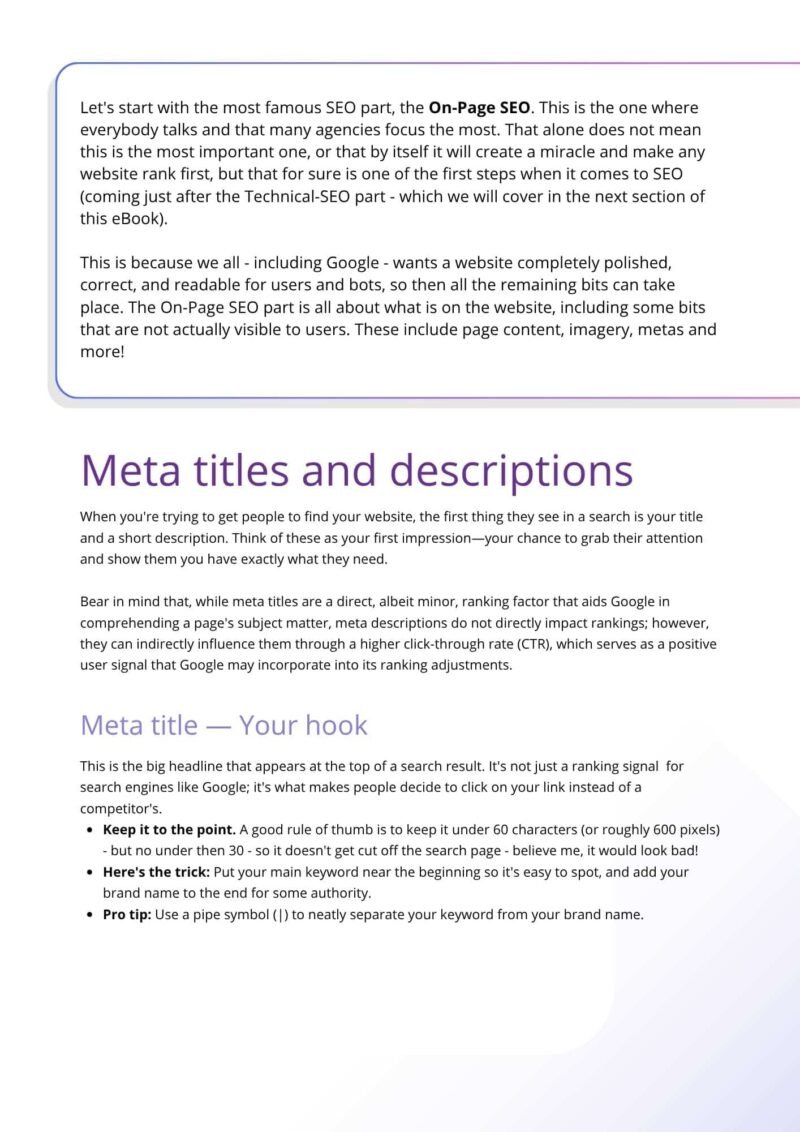
- Title tag — Does it include your main keyword? Is it under 60 characters?
- Meta description — Is it compelling and between 155–160 characters? Does it include a clear call to action?
- H1 — One per page, clearly stating what the page is about, with your main keyword included naturally
- H2s and H3s — Are they logically structured, breaking content into readable sections?
- Internal links — Is the page linking to other relevant pages on your site with descriptive anchor text?
- Image alt text — Are your images described accurately and accessibly?
- Keyword placement — Is your keyword appearing naturally in the content, headings, and metadata, without being forced?
These are not just technical boxes to tick. They are how Google reads and understands your page. A page that is clear, well-organized, and easy to navigate is always going to have an advantage.
You can use my SEO Checklist to go through these elements page by page without missing anything. Or run a free SEO page audit and score to check them automatically.
Step 4: Are Technical Issues Holding You Back?
Technical SEO tends to be less visible than content, which is exactly why it is so easy to overlook. But issues in this area can quietly limit your performance even when everything else looks right.
Think of it this way: technical SEO is the foundation your website is built on. Without it being solid, even excellent content can struggle to rank. As I explain in SEO in Action, a technically sound website is not optional; it is the starting point.
Some of the areas worth reviewing include:
- Page speed: Are your pages loading quickly? Image size is one of the biggest factors here. Aim to keep your total image weight well under 1MB per page.
- Core Web Vitals: Google measures real-world user experience signals like loading, interactivity, and visual stability. These feed into rankings.
- Mobile usability: Google primarily uses the mobile version of your site for indexing. If your mobile experience is poor, your rankings will reflect that.
- SSL/HTTPS: All pages should load with HTTPS. Sites without a valid SSL certificate are flagged as “Not Secure” by browsers, which harms both trust and rankings.
- Redirect chains and broken links: These slow crawlers down and create a poor user experience.
- Sitemap and robots.txt: Are they set up correctly and not accidentally blocking anything important?
If you want to work through all of this systematically, my 14-Day SEO Action Plan breaks it down into manageable daily steps so it does not feel overwhelming.
Step 5: Does Your Website Have Enough Authority to Compete?
Sometimes the issue has nothing to do with your own page. It has to do with who you are competing against.
If the websites ranking above you have stronger authority, more backlinks, and a more established digital presence, your content will need time and stronger signals to catch up. This is not a reason to give up; it is just a realistic picture of how SEO works.
Authority builds through reputation: backlinks from credible sources, brand mentions, consistent content, local citations, and social presence. It grows gradually, but it compounds over time.
For local businesses specifically, a well-optimized Google Business Profile is a significant trust signal that also improves local discoverability. Getting that right is one of the most accessible things you can do to build authority at a local level.
Step 6: Are You Targeting Keywords That Match Where You Are Right Now?
A very common mistake – especially with newer websites – is going after highly competitive keywords too early. These might have impressive search volumes, but they usually come with fierce competition from websites that have spent years building authority.
Long-tail keywords are where the real opportunity lies for most websites.
Instead of trying to rank for something broad like “SEO,” focus on specific, intent-driven queries such as:
- why is my website not ranking in Google
- technical SEO checklist for small businesses
- how to fix indexing issues in Google Search Console
- SEO tips for service-based businesses
These are easier to compete for, and they often attract more qualified visitors, people with a specific problem who are actively looking for a solution.
Step 7: Are You Actually Measuring What Is Happening?
One of the biggest gaps in most SEO strategies is measurement. Without reliable data, you are guessing, and guessing wastes time.
Google Search Console and Google Analytics (GA4) are your two most important free tools. Between them, they show you impressions, clicks, click-through rates, bounce rates, engagement rates, and how individual pages are performing over time.
A high impression count with low clicks? That usually points to a meta title or description that needs improving. A page dropping in rankings? That is a signal to investigate what changed; either on your site or in the competitive landscape.
Reviewing this data regularly means your decisions are based on evidence, not assumptions. For a full walkthrough, see how to track SEO results.
Step 8: Is It Possible You Just Need More Time?
Honestly, yes. Sometimes this is the answer.
SEO rarely moves quickly. A new page may take weeks or even months to build trust, gather signals, and settle into a stable position. This is completely normal, especially if your website is relatively new, your niche is competitive, or your authority is still growing.
That does not mean you should sit and wait. It means you should keep doing the right things consistently while you give it time to work. SEO builds momentum. The strongest results usually come from steady, sustained effort rather than sudden changes.
Where to Start
If your website is not ranking, here is a simple sequence to follow. New to SEO? Start with the SEO basics guide.
- Check indexing > are your pages visible to Google at all?
- Review your content > does it genuinely match search intent and demonstrate expertise?
- Strengthen page structure > titles, headings, internal links, metadata
- Fix any technical issues > speed, mobile, SSL, redirects, sitemaps
- Build authority > backlinks, brand mentions, local citations, Google Business Profile
- Target the right keywords for your current stage
- Track your performance and make decisions based on data
This is exactly the framework I cover in depth in SEO in Action – a practical, hands-on guide designed to help freelancers, marketers, and business owners implement SEO confidently and systematically.
If you want a structured place to start, the SEO Checklist gives you a clear page-by-page review process, and the 14-Day SEO Action Plan walks you through everything step by step.
Mariana Yamakawa is a Digital Marketing and SEO Specialist and author of SEO in Action: Foundations to Measurable Growth. She works with freelancers, businesses, and marketing professionals who want to build sustainable SEO strategies without unnecessary jargon.
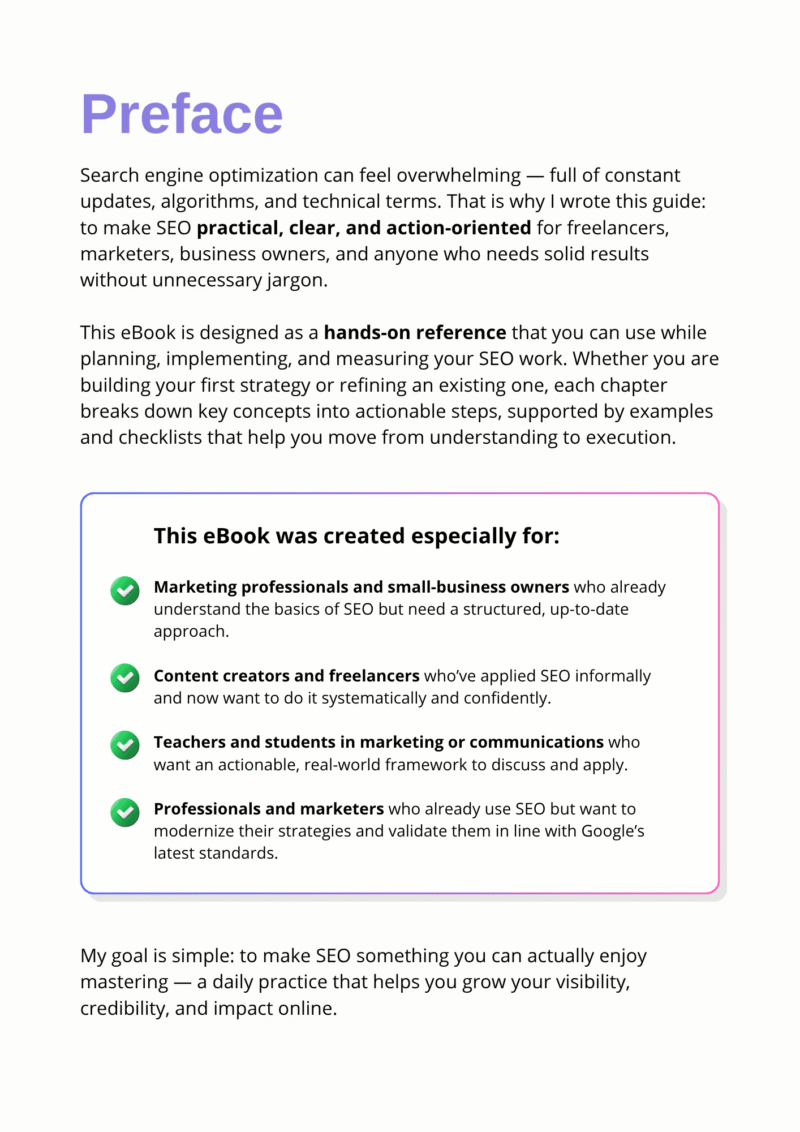
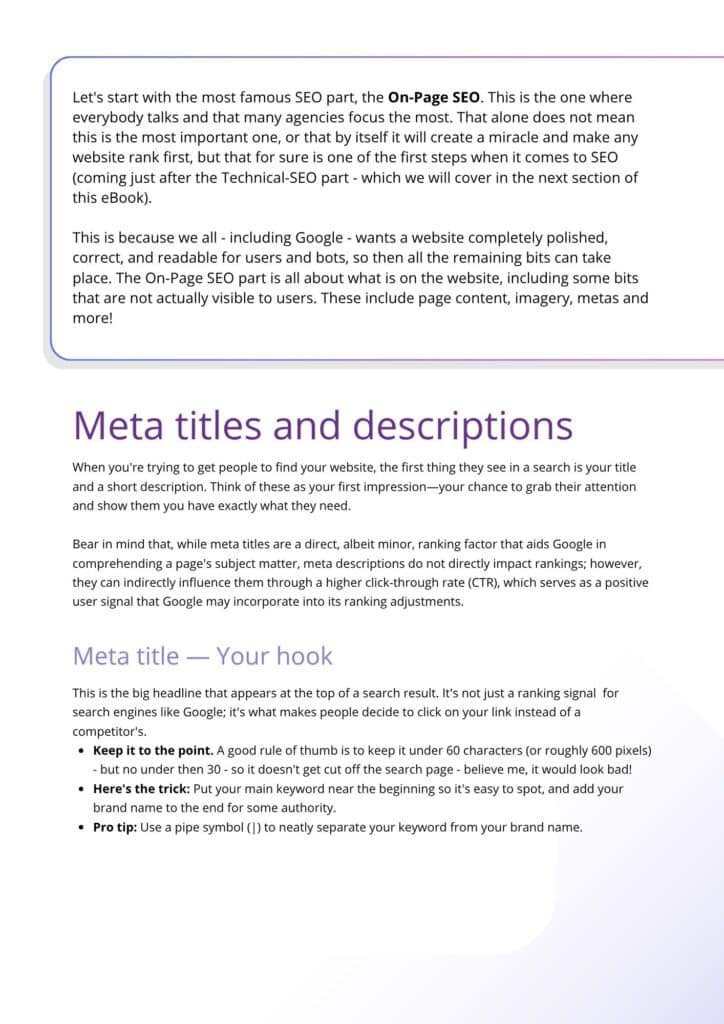
SEO in Action: Foundations to Measurable Growth
Refresh your SEO strategy with clear, actionable methods focused on WordPress websites.
Learn how to measure what matters and grow sustainably with our SEO in Action eBook.