A good SEO report is not necessarily a monthly data dump. The client should be able to answer three questions after reading it:
- What did we do?
- What changed?
- What are we doing next?
Everything else supports those answers.
Rankings, clicks, sessions and conversions matter, but the report becomes useful when the numbers are tied back to decisions and work.
1. Start with an executive summary
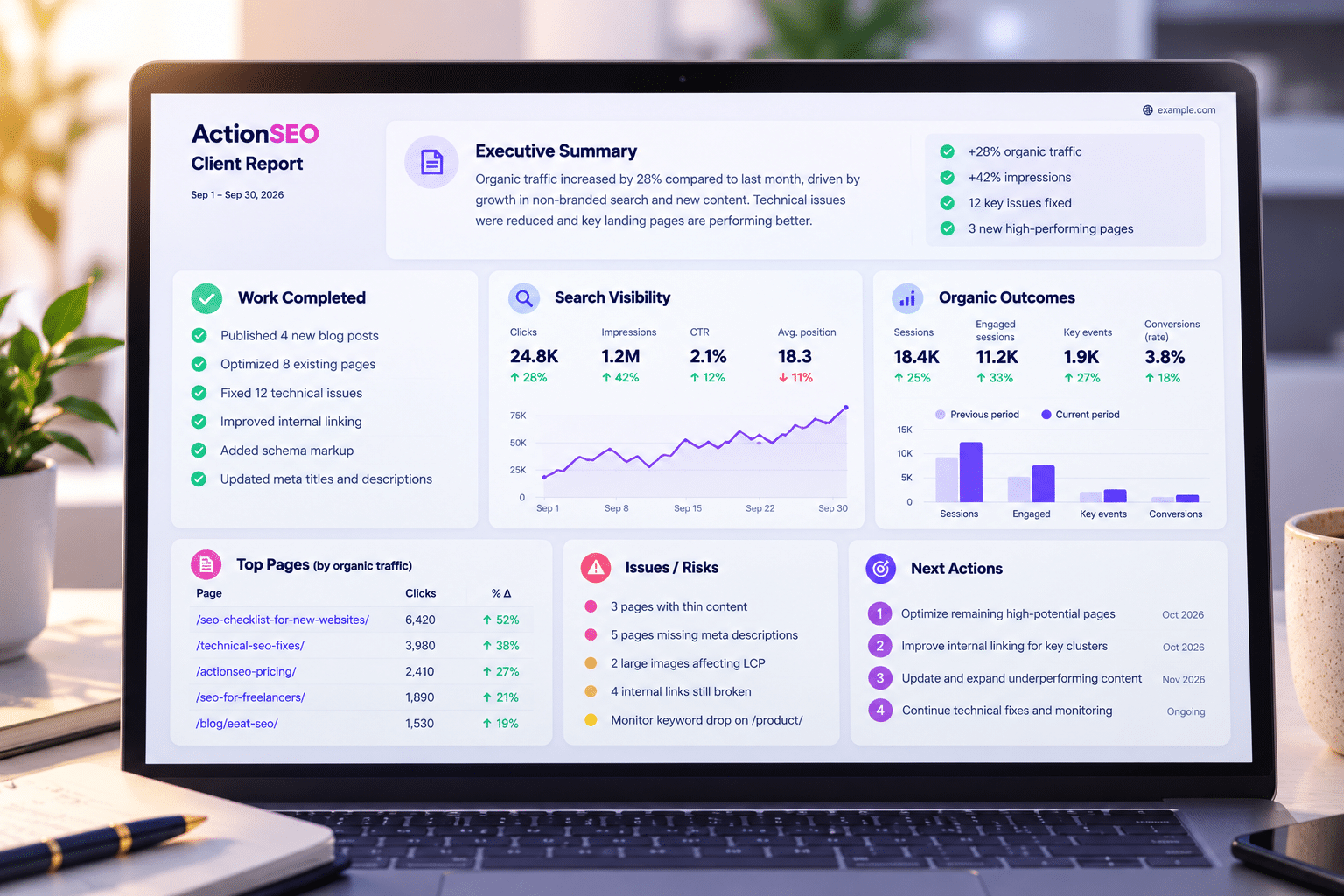
Write this last, but place it first. Keep it short enough that a busy client can understand the month without reading the rest, with one or two meaningful gains, and one important issue or limitation. The main priority for the next period is also a must.
2. Show the work completed
Clients should not have to make an effort from a traffic chart. Add pages optimized or published, technical fixes completed, internal linking or schema changes, audit issues resolved, and authority/outreach activity where applicable should be added. Where explanations are viable or needed, add them.
3. Use Search Console for search visibility
GSC is the best place to explain how Google search demand and visibility are changing for the property. It contain clicks, impressions, CTR, average position, top queries and pages, as well as new opportunities or declining pages. Basically all you will need from a organic search perspective.
4. Use GA4 for what happened after the click
GA4 answers a different question from GSC. It tracks what happened after Google has done its job. Here, you must keep the distinction clear.
Organic sessions, engagement, key events, purchases/revenue if configured/applicable, and landing-page outcomes, are one of the best measurements to keep on a report. Of course, depending on what your client offers and are are its goals, some measurements may be added or removed.
5. Add interpretation, not just charts
A chart without context can create the wrong conclusion. Explain seasonality, site changes, indexing delays, campaign context and what the client should or should not infer from the movement.
It is also nice to understand how much of SEO your client understands. That way, you will know better where SHORT extra explanations for each work done are needed or not. Do not make it a bible, just enough to understand what/why it was done.
6. End with next actions
The report should create momentum, so for example, adding the top 3 priorities for next actions, the owner or responsible person for it, the expected timing, and what will be measured afterward is a great addition. It will show your client that you not only fixed what was needed inside their timetable, but also what you plan next with organization.
Simple client SEO report template
- Executive summary
- Work completed
- Search Console performance
- Resultados orgânicos no GA4
- Priority page / keyword observations
- Technical health / open risks
- What we learned
- Next actions and owners
Avoid padding reports with dozens of metrics just because a tool can export them. A useful report should make the work easier to understand and the next decision easier to make.
ActionSEO Plans
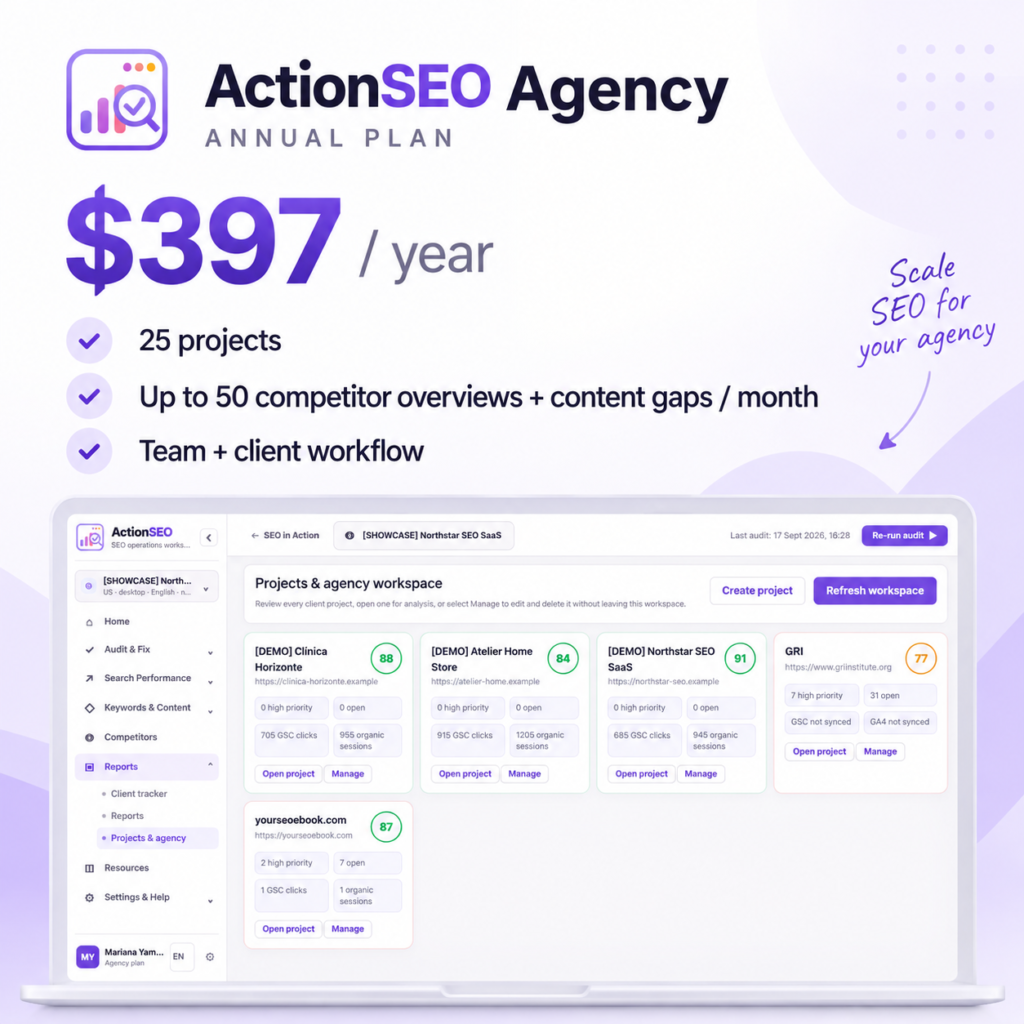
ActionSEO Agency Anual
$ 397,00ActionSEO Agency – Teste de 30 dias
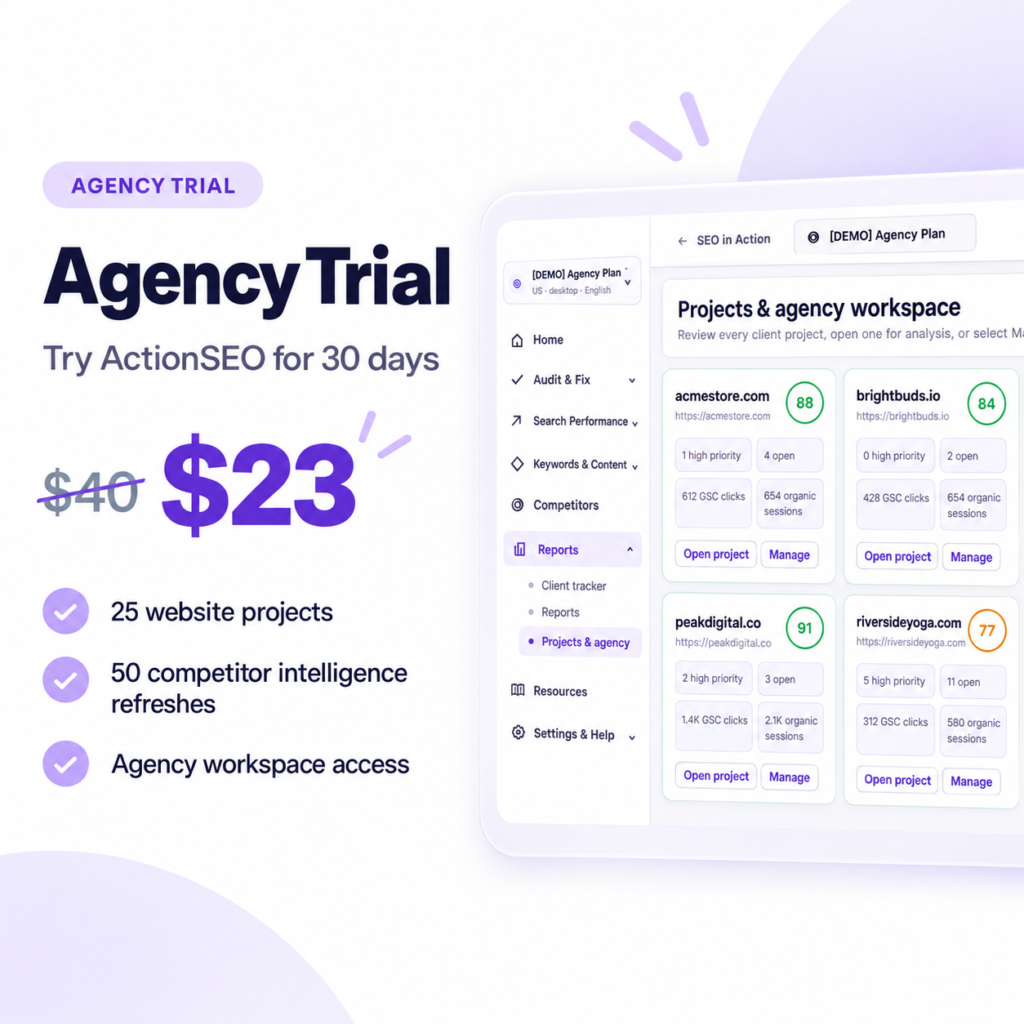
O preço original era: $ 40,00.$ 23,00O preço atual é: $ 23,00.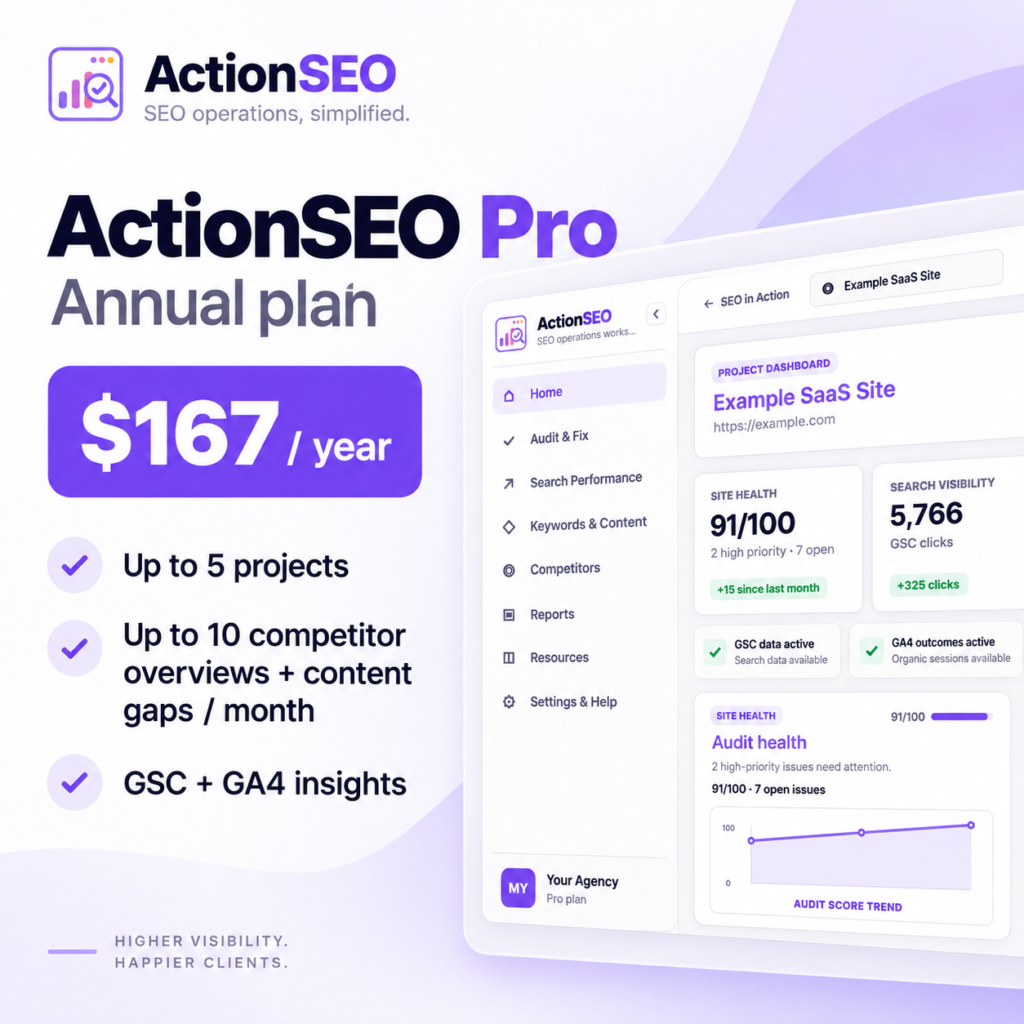
ActionSEO Pro Anual
$ 167,00ActionSEO Pro – Teste de 30 dias
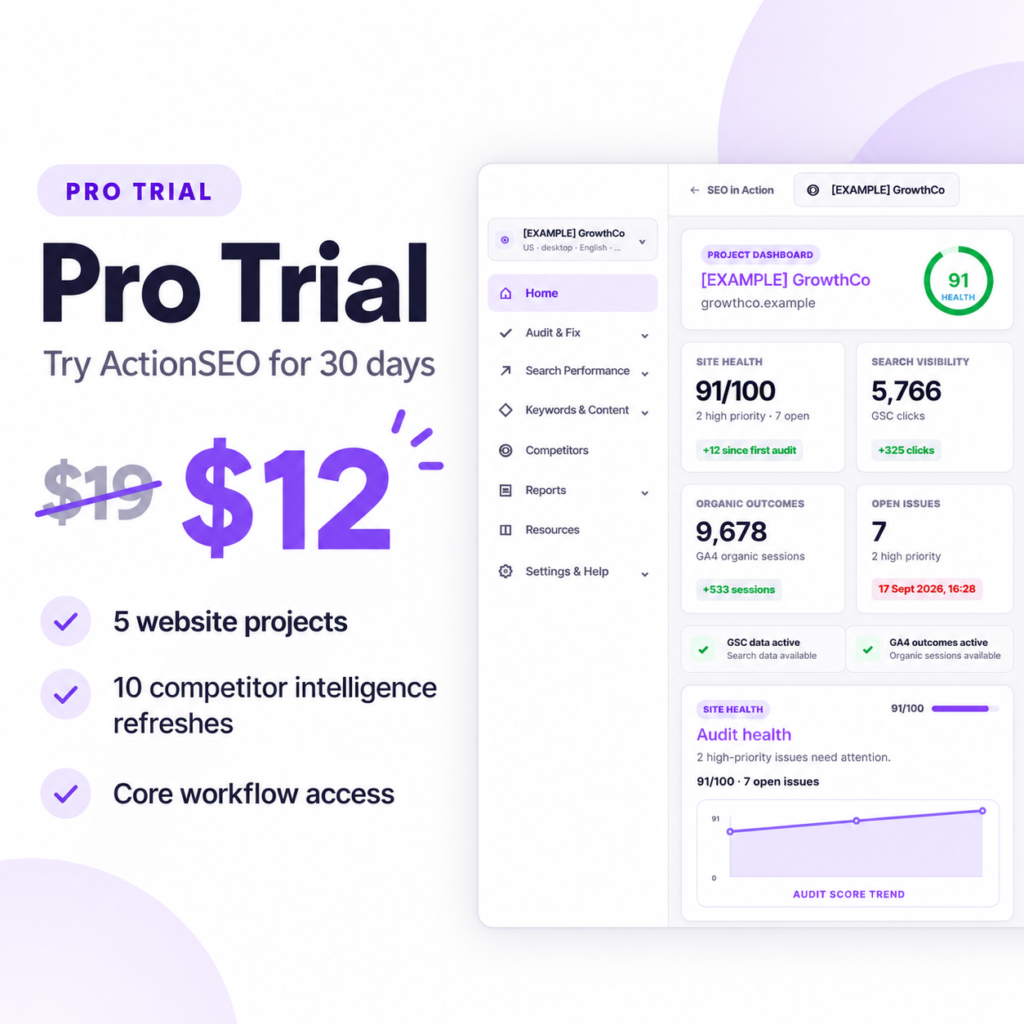
O preço original era: $ 19,00.$ 12,00O preço atual é: $ 12,00.ActionSEO Solo – Teste de 30 dias
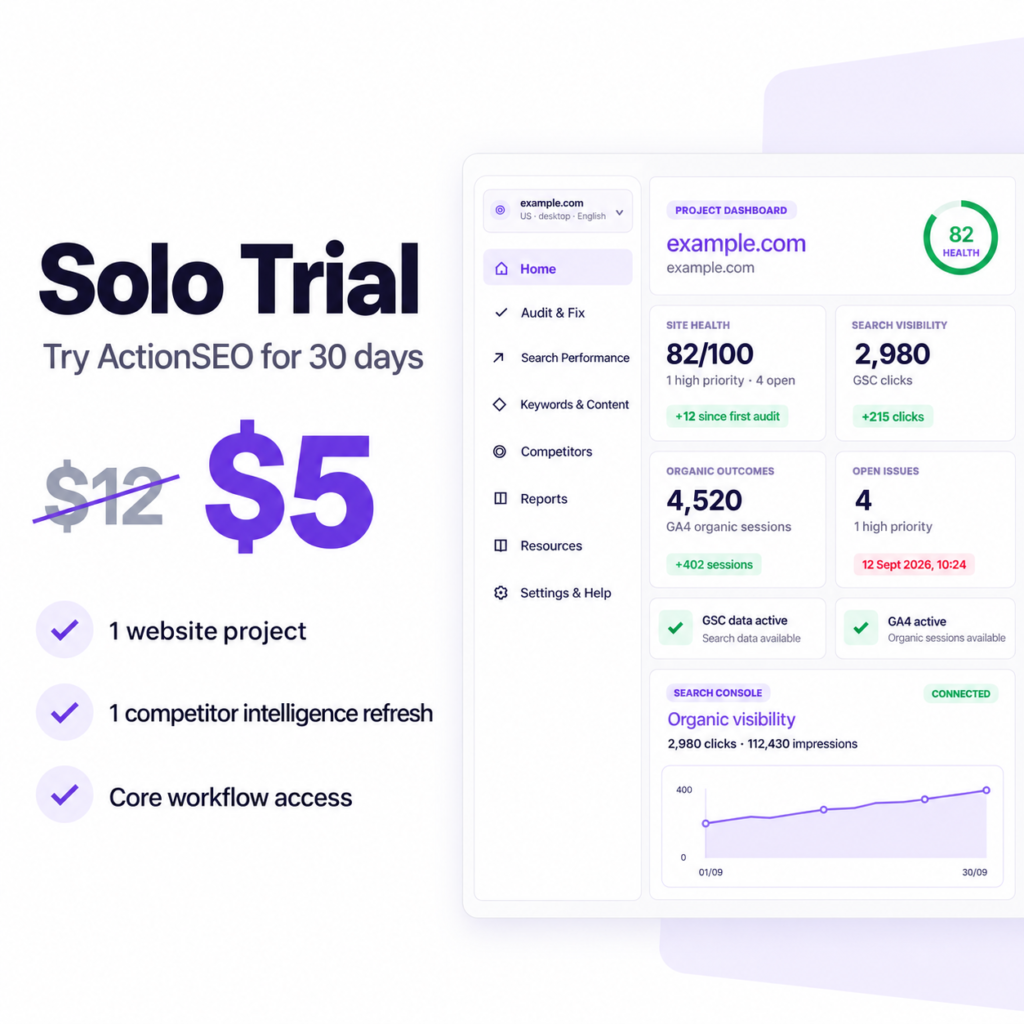
O preço original era: $ 12,00.$ 5,00O preço atual é: $ 5,00.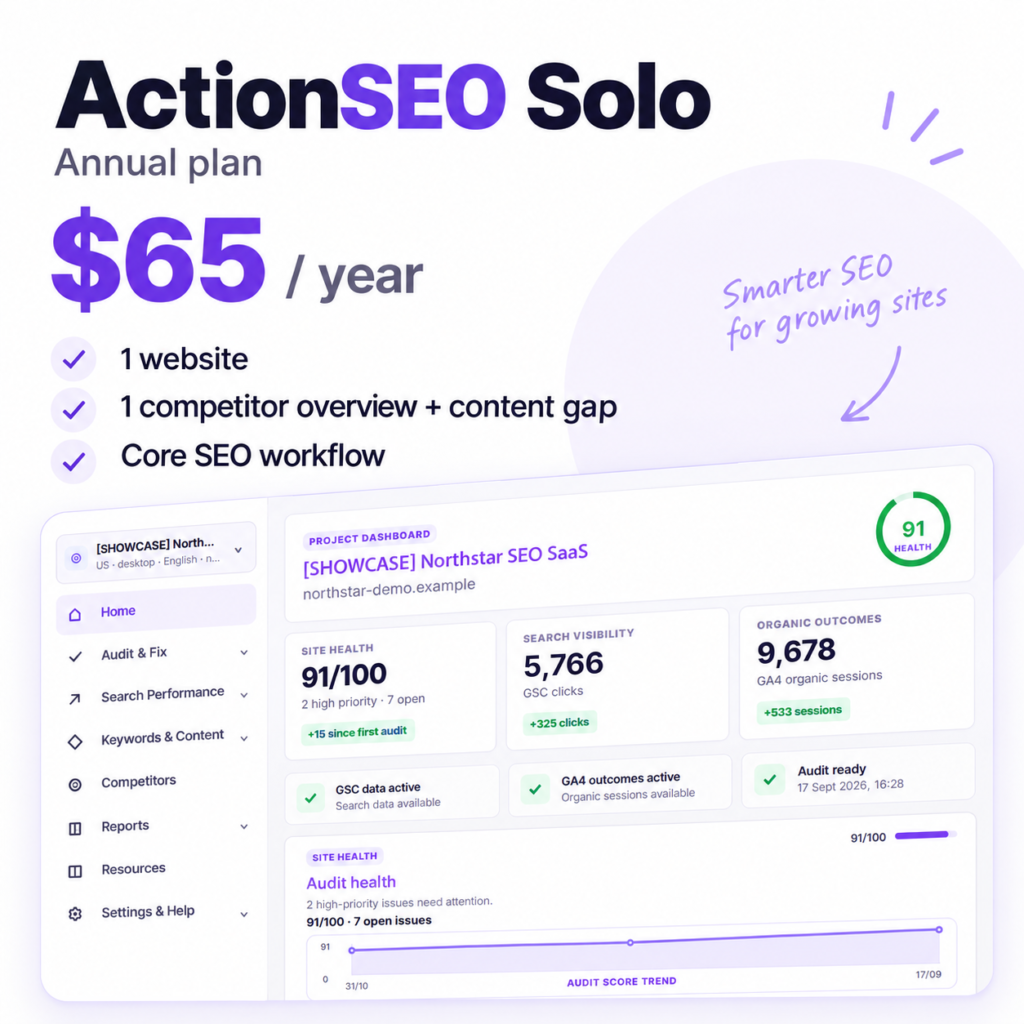
ActionSEO Solo Anual
$ 65,00